How to edit a photo with AI without changing the face
Keep the face outside the image sent to the AI editor. Edit only the clothing, object or nearby area that needs to change, then merge that crop back into the original photograph.
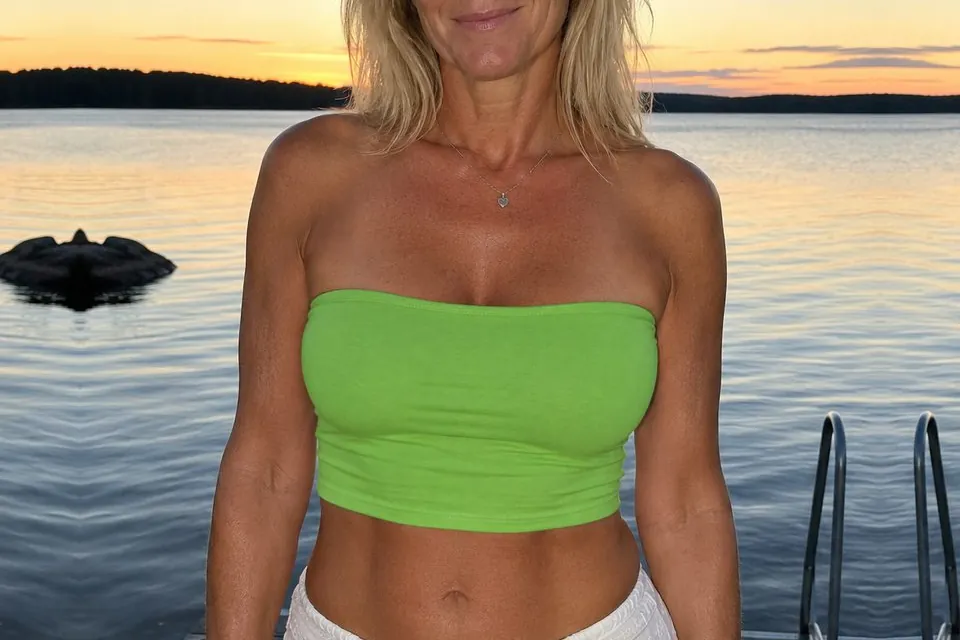
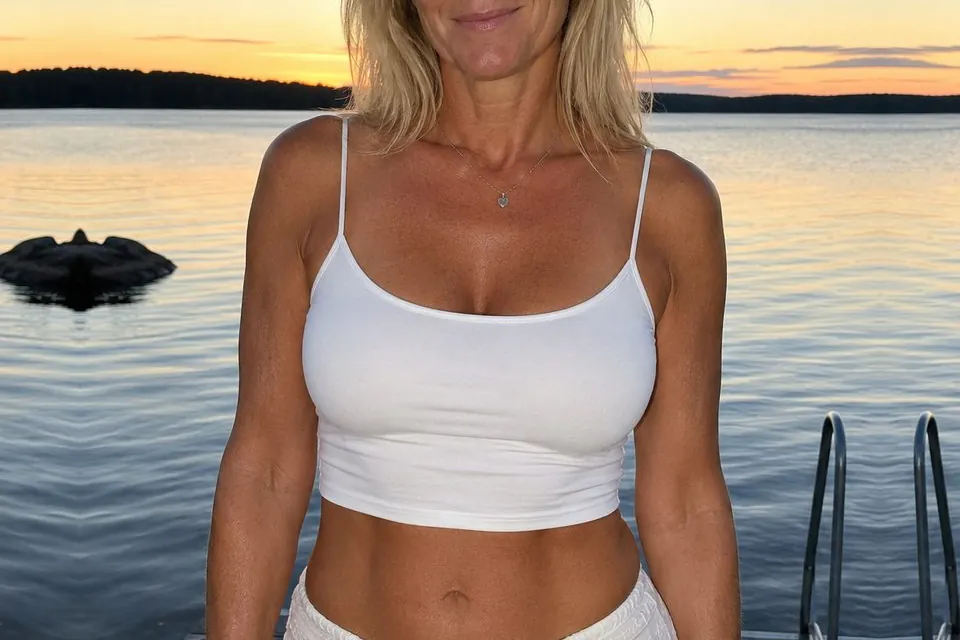
Why AI edits can change a face
An AI image editor does not preserve a face merely because the prompt says not to change it. When the whole photograph passes through the model, it can redraw facial shape, skin texture, expression and small identifying details along with the requested edit.
The most reliable way to preserve a face is not to send it through the editor at all.
1. Crop around the change, not the face
Duplicate the original photo. Crop the copy around the clothing, object or part of the scene you want to edit, keeping the entire face outside the crop. Include some unchanged image around the requested change so it can be placed accurately later.
2. Make one local edit
Upload the crop to an AI image editor and ask for one specific change. Tell it to preserve the pose, lighting, skin, hair and crop edges that are visible.
Change only [describe the clothing, object or area] to [describe the result].

Keep the pose, visible skin, hair, lighting and background unchanged. Keep the framing, aspect ratio and outer edges identical.3. Merge the edit into the original
Download the edited crop and upload it to Cropmerger with the untouched original. Cropmerger puts the crop back where it belongs and leaves everything outside it unchanged. Because the face remained in the original, it stays exactly the same.
Open CropmergerWhat if the edit touches the face?
If the requested change includes the face itself, no crop-based workflow can guarantee that the face will remain identical. Keep the boundary below the chin or away from the hairline when possible. If hair or a hand crosses the edited area, name it in the prompt and compare the result carefully with the original.
Tips for keeping someone recognisable
- Change one thing at a time.
- Keep the face, eyes and mouth outside the crop.
- Do not ask the editor to alter the pose when identity matters.
- Keep an untouched original for comparison.
Only edit photographs of people who have agreed to it. Cropmerger’s terms do not allow intimate, deceptive or harmful edits of real people.