How to replace a person or object in a photo with AI
Crop around the subject you want to replace, ask an AI editor to swap it for something else, then merge the crop back into your original photo. The new subject fits the scene, and everything outside the crop stays exactly as it was.
Why crop before replacing?
AI editors are good at drawing a new subject into a scene, but when they work on the whole photo they tend to redraw the rest of it too. They also send back a smaller image than a high-resolution original. Cropping first keeps the scene intact at full resolution and lets the editor put all of its detail into the new subject.
1. Crop around the subject
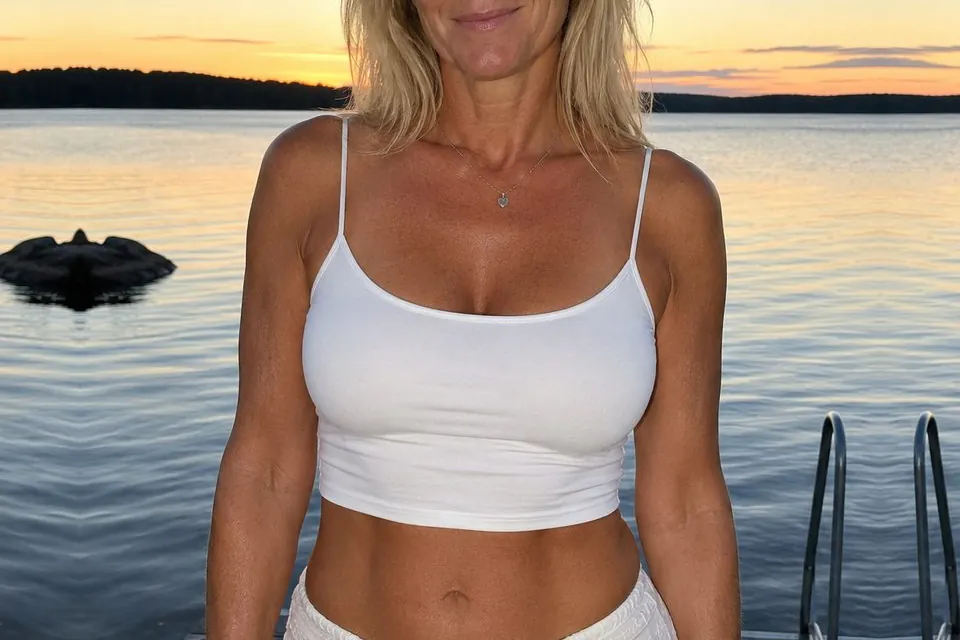
Make a copy of your photo and crop it around the person, animal or object you want to replace. Include its shadow and any reflection, because those need to change with it. Leave some unchanged background on every side.
2. Describe the replacement
Upload the crop to an AI image editor and describe what should take the subject’s place. It blends best when the new subject is a similar size, seen from the same angle and lit from the same direction.
Replace the [current subject] with [new subject].

Match the size, viewing angle and lighting of the original, and add a matching shadow. Keep the background, framing, aspect ratio and outer edges identical.To remove a subject instead, ask the editor to fill its place with the surrounding background.
3. Merge the crop back
Download the edited crop at the best quality available. Then open Cropmerger and upload your untouched original with the edited crop. Cropmerger puts the replacement back exactly where it belongs, matched to the colour around it, and leaves the rest of your photo untouched.
Open CropmergerTips for replacing a subject
- Crop generously. A subject that fills the whole crop leaves too little background to find where it belongs.
- Keep the new subject inside the crop. Anything cut off at the edge of the crop will look cut off in the photo.
- If something overlaps the subject, such as a railing or a branch, ask the editor to keep it in front.
Do not use a replacement to put a real person somewhere they never were, where it could be taken as real. Cropmerger’s terms do not allow it.