How to change clothing in a photo with AI
For a clean AI clothing change, crop around the garment, ask an AI editor to change only that piece, then merge the crop back into your original photo. The face, hair and background never go through the editor, so they stay exactly as they were.
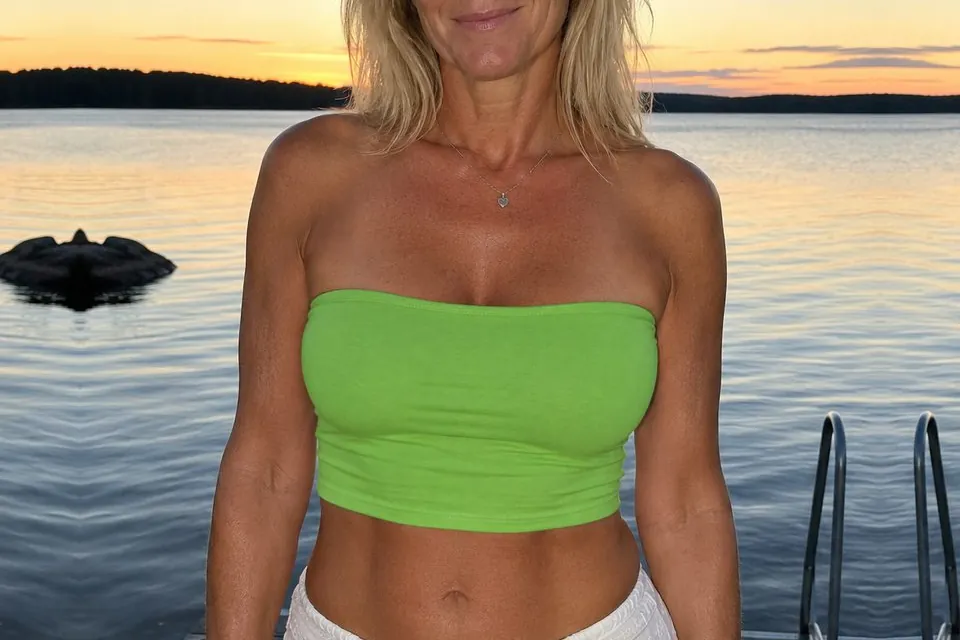
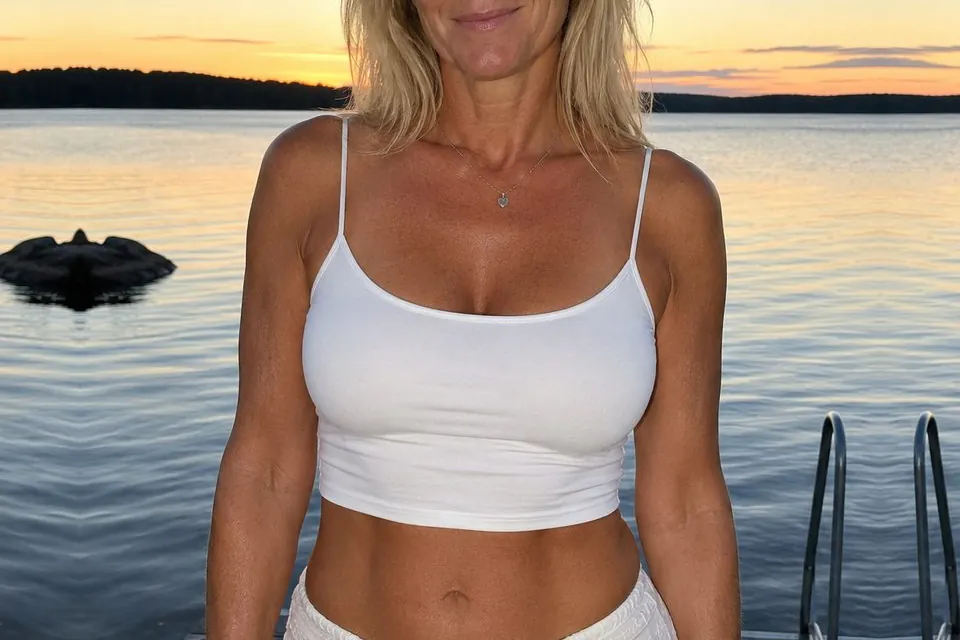
Why edit only the clothing?
Ask an AI editor to change an outfit in a whole photo and it often changes more than the outfit. Faces can look slightly different, hair and backgrounds get redrawn, and a high-resolution photo comes back at the editor’s smaller size. Editing only the garment keeps your photo at full resolution. Keeping the face out of the edit is the most reliable way to keep someone looking like themselves.
1. Crop around the garment
Make a copy of your photo and crop it to the clothing you want to change. Include a margin of unchanged image around it, such as a little of the arms, neck or background. Keep the face outside the crop if you can.
If the new garment is a different shape, such as a long dress replacing a short one, include the area it will cover so the editor has room to draw it.
2. Describe the new clothing
Upload the crop to an AI image editor and say exactly what the garment should become. Mention the colour, style and material, and ask it to keep the pose, body and lighting as they are.
Change the white top to a green tube top in a soft cotton fabric.

Keep the pose, skin, hair, lighting and background unchanged. Keep the framing, aspect ratio and outer edges identical.3. Merge the crop back
Download the edited crop at the best quality available. Then open Cropmerger and upload your untouched original with the edited crop. Cropmerger puts the new clothing back exactly where it belongs, matched to the colour around it, and leaves the rest of your photo untouched.
Open CropmergerTips for clothing edits
- Watch for hair, hands or bags crossing the garment. Mention them in your prompt so the editor keeps them.
- Change one garment at a time. For a full outfit, merge one change, then crop and edit the result again.
- Keep patterns simple on a first attempt. Plain colours and fabrics blend most cleanly.
Only edit photos of people who have agreed to it. Cropmerger’s terms do not allow intimate or misleading edits of real people.