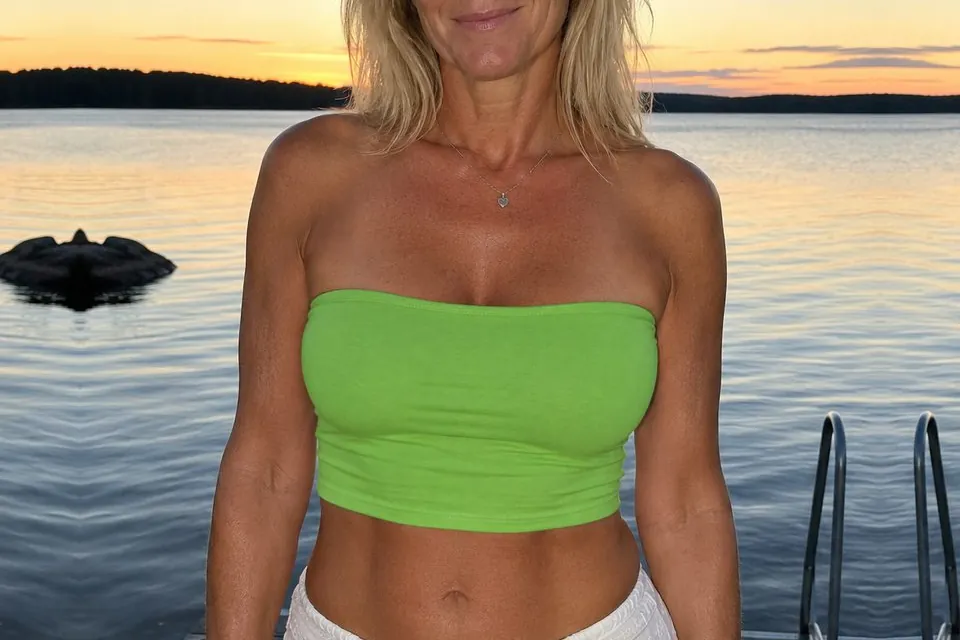
Merge your edited crop back into the original image
Edit a small part of a large photo with AI without losing its resolution. Crop a piece out, regenerate it anywhere you like, then bring both images back here. Cropmerger puts it back exactly where it belongs, matched to the colour around it, and leaves the rest of your image untouched.
100% private. Your images are never used to train AI models.
Your merge and uploaded images are deleted after one hour.
Your merges are yours alone. A link alone does not give anyone else access.
For best results, leave a margin of unchanged image around your edit.
OriginalMerged
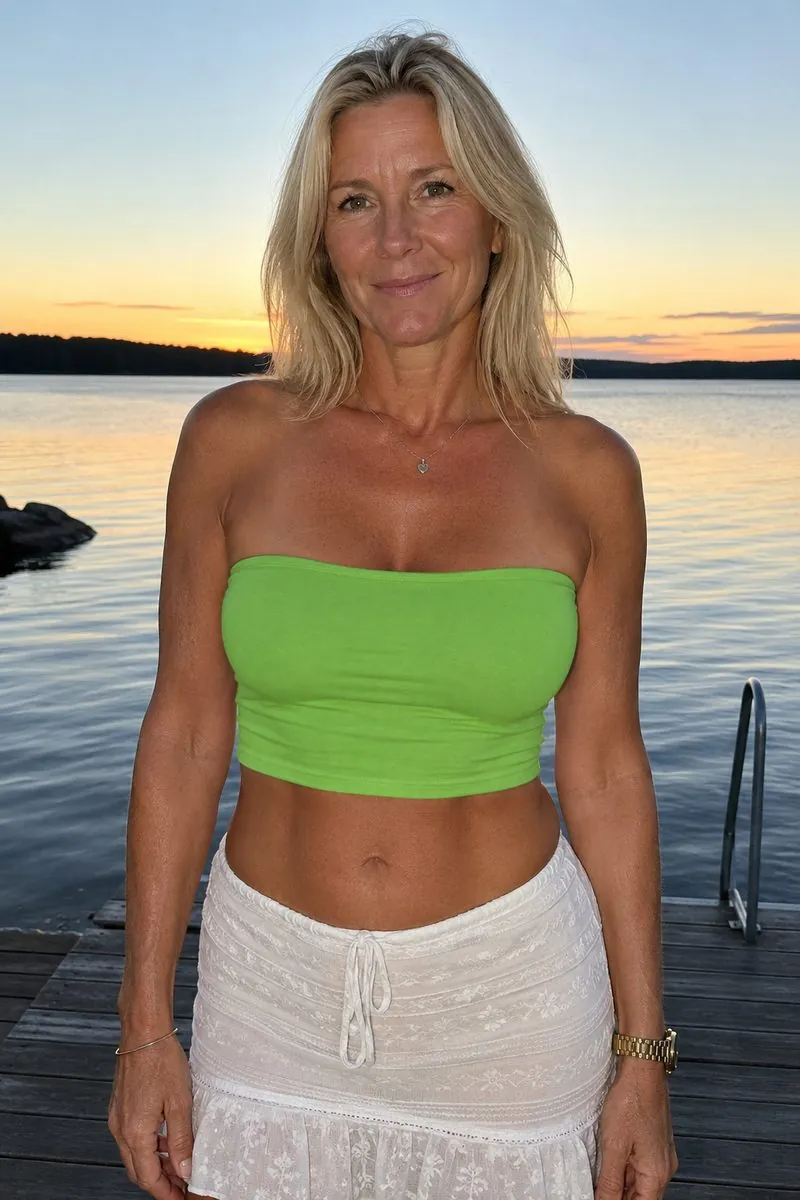
Drag to compare. Everything outside the edit is the original file, pixel for pixel.
How it works
Step 1 of 4
Duplicate and crop
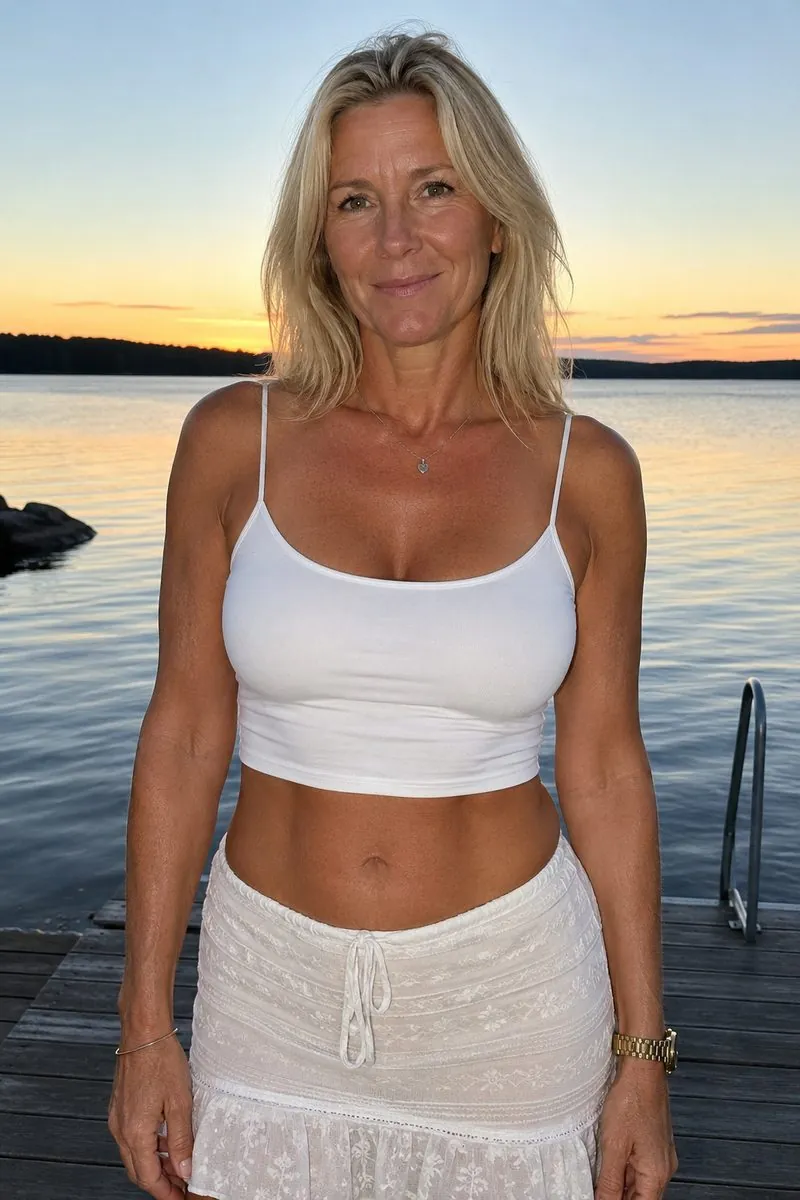
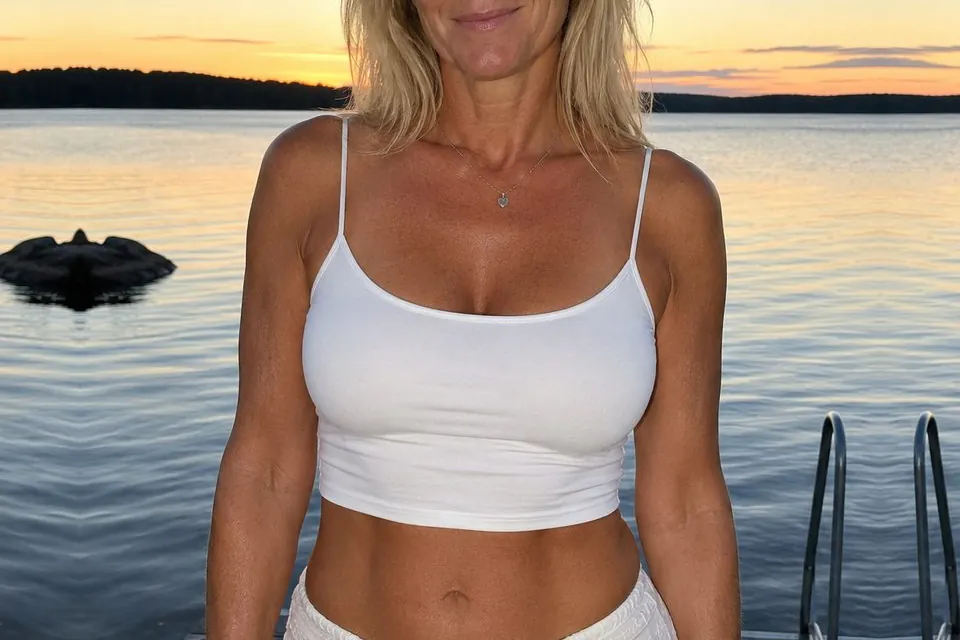
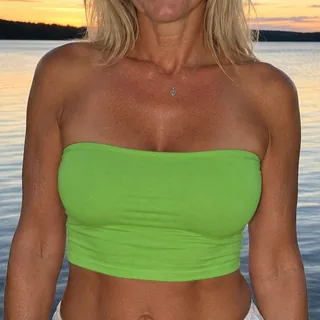
Make a copy of your original image, then crop the copy to the area you want to change. Leave some unchanged image around the edit.
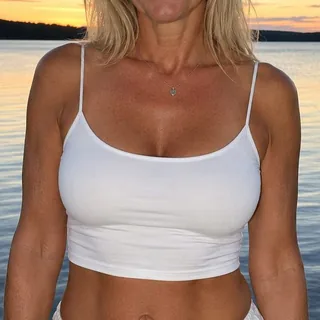
Change the white top to a green tube top. Keep everything else unchanged.
Step 2 of 4
Edit the crop with AI
Upload the crop to an AI image editor and describe the change you want.
Base imageThe full image, at its original sizeEdited cropThe regenerated piece, at any resolutionMerge
Step 3 of 4
Download and bring it back
Download the edited crop, then upload it here alongside your untouched original.
Step 4 of 4
Merge, compare and download
Cropmerger aligns the edit, matches it to the colour around it and leaves everything else untouched. Et voilà!
Frequently asked questions
What does Cropmerger do?
You crop a piece out of an image, regenerate it somewhere else, and Cropmerger puts it back. It finds where the piece belongs, matches it to the colour around it, and changes nothing else. Everything outside your edit comes back exactly as you uploaded it, pixel for pixel.
Why not edit the whole photo with AI?
AI image editors send back images at their own maximum size, which is often far smaller than a high-resolution photo. Edit a whole 4K photo and you get a smaller copy back. Crop just the part you want to change and the editor spends all of its resolution on that part. Cropmerger then puts it back into your original, so the finished photo keeps its full resolution.
What happens to my images?
Your merge and uploaded images are deleted after one hour. Until then you can view and adjust your merge. Your images are never used to train AI models.
Can anyone else see my merges?
No. A merge belongs to whoever made it. A link alone does not give anyone else access.
Do you keep a record of what I merge?
We do not keep a permanent history of your merges.
How do tokens work?
Unlocking a successful merge costs 10 tokens. Tokens are taken only after you confirm the charge and the result is ready. Once unlocked, you can keep adjusting it at no extra cost during its original one-hour lifetime.
What if my crop cannot be placed?
Try a wider crop with some unchanged image around your edit. You are not charged for an unsuccessful merge.
Your merge
OriginalMerged
Your library
Merges and uploaded images are deleted after one hour. Download what you want to keep.
Nothing here yet. Merge something and it will appear.
Loading your library…
Your account
Confirm your email address to raise your merge limit.